How to Create a GitHub Profile README (Step-by-Step Guide)
Updated 2026 · Beginner Friendly · OpenDotmd
A GitHub Profile README is a special README that appears directly on your GitHub profile. It helps you introduce yourself, showcase your skills, and highlight your projects. In this guide, you’ll learn how to create one from scratch — even if you’re a beginner.
Step 1: Create a New Repository
- Go to github.com and log in
- Click on New Repository
- Set the repository name exactly the same as your GitHub username
- Make sure the repository is Public
- Check the option “Add a README file”
Step 2: Open the README.md File
After creating the repository, GitHub will automatically create a README.md file. This is your profile README.
Step 3: Add Basic Introduction
Start your README with a simple introduction:
# Hi 👋, I'm Your Name
### A Passionate Web Developer

- 🔭 I’m currently working on ...
- 🌱 I’m currently learning ...
- 💬 Ask me about ...
- ⚡ Fun fact: ...
Step 4: Add Skills & Tools
Mention the technologies you work with:
## 🛠 Skills
- HTML
- CSS
- JavaScript
- React
- Node.js
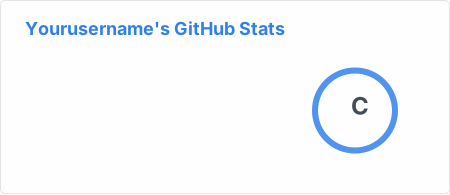
Step 5: Add GitHub Stats (Optional)
You can show your GitHub stats using free tools:
Step 6: Preview Your README
Always preview your markdown before saving. Use the Markdown Preview tool on OpenDotmd to make sure everything looks perfect on GitHub.
Step 7: Save & Commit Changes
Once you’re happy with your README, click Commit changes and visit your GitHub profile to see it live.
Build Your README Faster with OpenDotmd 🚀
Skip the hassle and use ready-made templates, markdown preview, and README generator — all in one place.
Explore README Templates